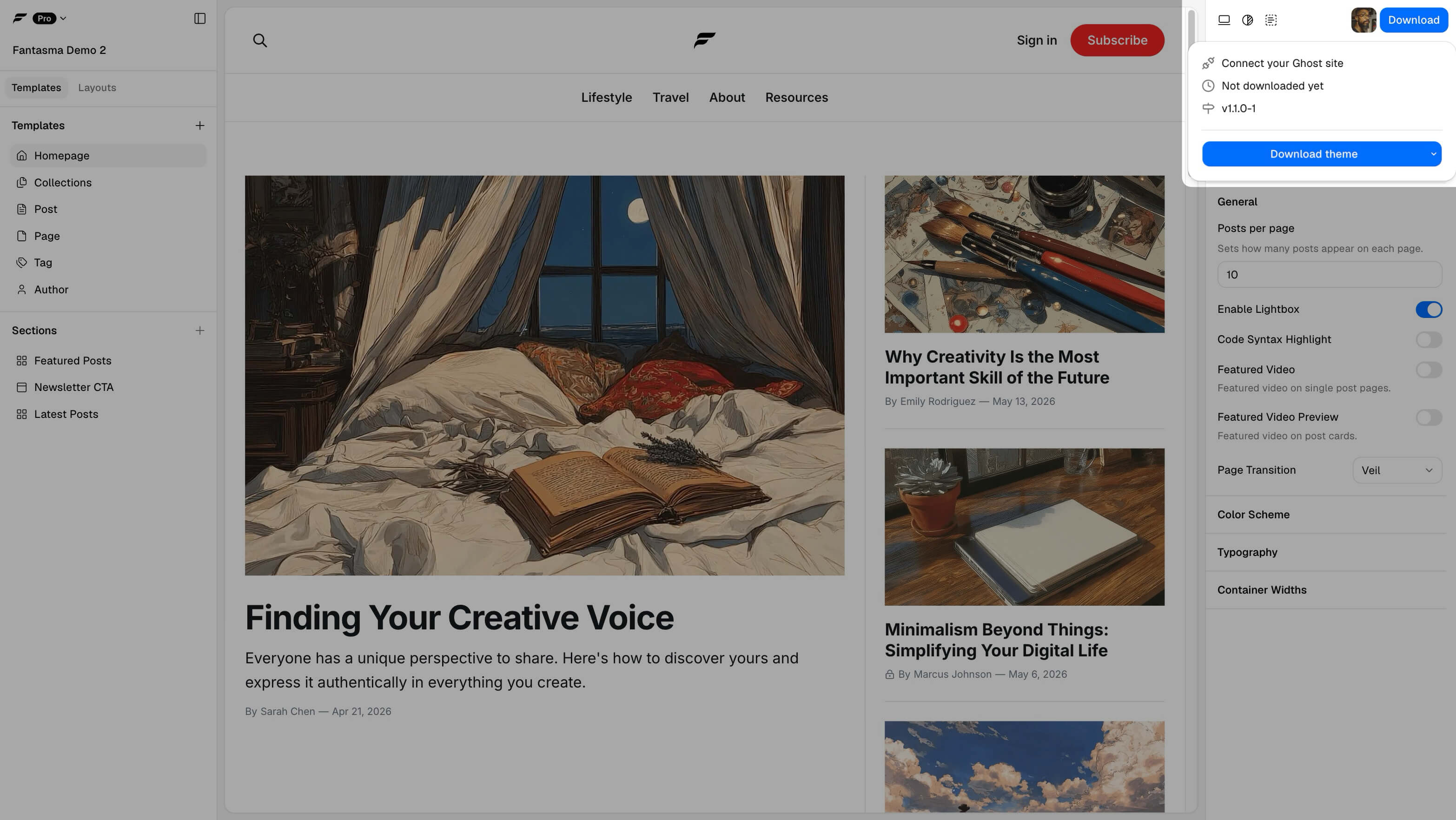
Download your theme as a ZIP
Download a ZIP when you want a theme file to upload under Ghost Settings → Design, archive, review, or hand to a client. The ZIP is a normal Ghost theme package.
Free projects can download when the builder does not show a Pro-content block. If download is blocked by Pro content, follow the builder message or see Download blocked.
ZIP vs publish
ZIP gives you manual control and a file artifact. Publish sends the theme to a connected Ghost site without the upload step. Both paths ship theme files; neither path edits Ghost posts, members, navigation labels, or other publication content.
If your project changes routes or collections, routes.yaml may still need a separate Ghost Labs upload even after a successful ZIP download or publish.
Steps
- Finish edits and check preview.
- In Fantasma, run Download ZIP.
- If the app mentions
routes.yaml, download it and plan a Labs upload. - In Ghost: Design → Change theme → Upload, then Activate.
After each theme change
Download and upload again, or publish through a connected Ghost site. Ghost does not pull updates from Fantasma by itself.
Theme version
The download and publish popovers show the version the next build will carry, such as 1.4.0-4. The part before the dash is the Fantasma build the theme was made with; the number after it counts the builds you have issued from this project.
The version turns colored when a new build is worth making, and the tooltip says which case it is. Either the theme has changes you have not shipped yet, or Fantasma itself was updated and the installed theme is behind the builder. The second one is the only prompt you get that a Fantasma release is worth a fresh download or publish.